
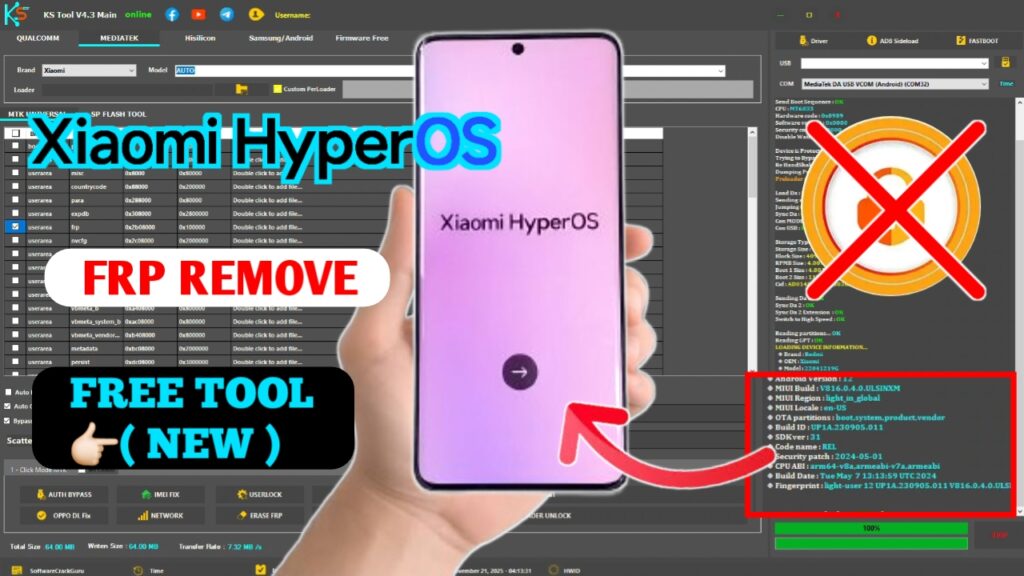
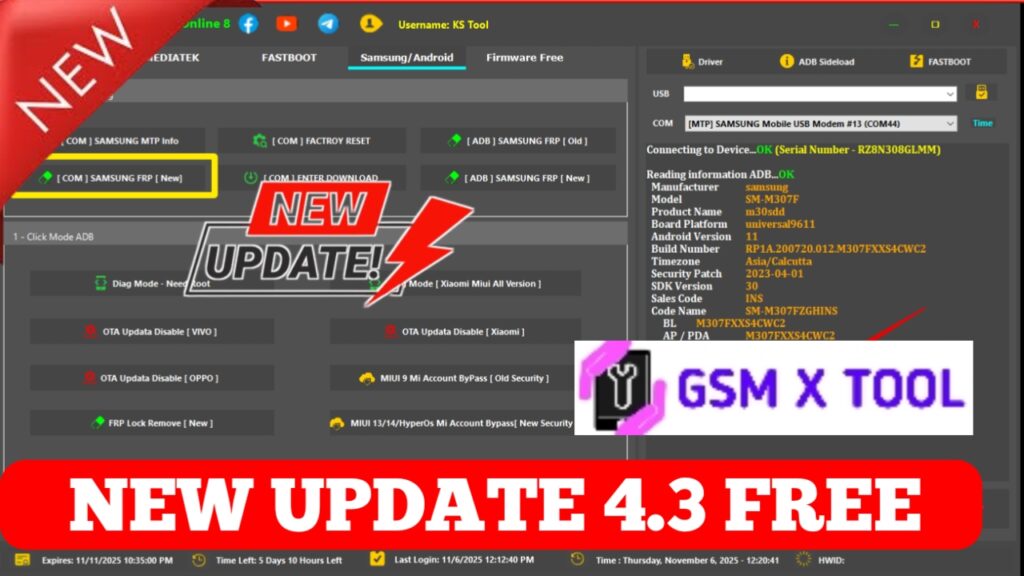
KS Tool V4.3 has become one of the most in-demand solutions for mobile repair technicians looking for a reliable, fast, and streamlined toolbox for Android device servicing. The latest version introduces performance upgrades, enhanced compatibility, and a login-free interface, making it easier than ever to access essential repair features. In this comprehensive guide, we present a detailed overview of the tool, its key functions, benefits, usage, and download information to help professionals stay ahead in the mobile repair industry.
What Is KS Tool V4.3?
KS Tool V4.3 is a specialized mobile repair utility designed to support technicians in handling various essential Android maintenance tasks. It offers tools for software optimization, firmware-related operations, system maintenance, and general device management. The standout advantage is its no-login requirement, making it faster and more convenient for technicians who need quick access without restrictions.
This tool is developed for educational and professional diagnostic purposes, helping service centers and trained technicians complete their daily repair workflows more efficiently.
Key Features of KS Tool V4.3 Latest Version
1. No Login Required – Instant Access
The latest version eliminates login hassles, allowing users to launch the tool immediately. This feature is appreciated by technicians who require quick operational access without creating accounts or dealing with authentication barriers.
2. Enhanced Device Compatibility
KS Tool V4.3 now supports a broader range of Android devices, including older, mid-range, and latest models from well-known manufacturers. Improved detection algorithms ensure smooth connections and better device recognition.
3. Fast FRP Support (For Authorized Devices Only)
This version offers improved FRP handling for authorized service centers that manage devices with proper ownership verification. The interface is simplified for quicker and safer operations.
4. Optimization & Maintenance Tools
The tool provides a suite of maintenance functions such as:
- System optimization
- Cache cleaning
- Device performance analysis
- Battery health reports
- Debugging utilities
These tools help keep Android devices running smoothly and effectively.
5. Safe Mode & ADB Utilities
With integrated ADB support, KS Tool V4.3 enables authorized technicians to perform debugging tasks, extract device logs, activate developer settings, and perform secure device-side operations.
6. Clean, User-Friendly Dashboard
The updated UI in KS Tool V4.3 focuses on clarity and simplicity. Navigation is intuitive, with all major functions organized into identifiable sections. Even new technicians can use it without difficulty.
Why KS Tool V4.3 Stands Out
Among various mobile repair tools, KS Tool V4.3 stands out due to its accuracy, smooth performance, and no-login accessibility. It is lightweight, fast, and optimized for consistent usage in professional repair environments. Its ability to support multiple tasks in one platform makes it an essential companion for mobile repair shops.
Benefits of Using KS Tool V4.3
1. Time-Saving
Without login requirements and with faster execution, technicians save valuable time during daily repair tasks.
2. Versatile Functionality
The tool integrates multiple utilities under a single platform, reducing the need to switch between several applications.
3. Regular Updates
KS Tool receives frequent updates, ensuring improved performance, bug fixes, and extended support for newer Android devices.
4. Lightweight and Fast
The tool does not require a high-end PC configuration. It works smoothly even on entry-level Windows systems.
5. Secure and Reliable
KS Tool V4.3 is designed for safe use within authorized environments. Its functionalities are built to support legitimate mobile repair operations without tampering with system vulnerabilities.
Step 5: Connect Device & Start Working
Once installed, connect your Android device via USB and open KS Tool V4.3. The interface will automatically detect the connected device and display available actions.
Is KS Tool V4.3 Safe to Use?
KS Tool V4.3 is safe when downloaded from authentic and trusted platforms. It is meant for technicians with proper authorization to work on Android devices. The tool does not modify hardware-level security settings without user initiation, making it a reliable choice for service environments.