
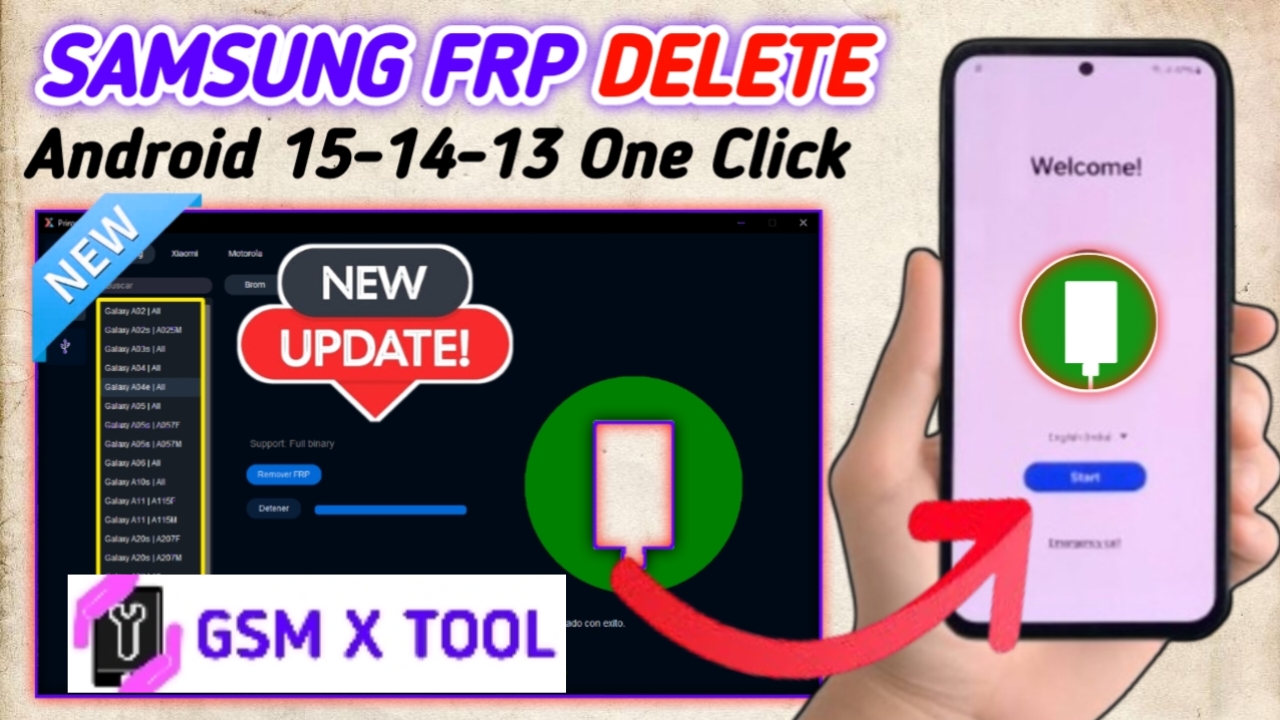
The Prime Tool V7.4.2 is the latest and most powerful release in 2025, developed to meet the evolving needs of mobile technicians and enthusiasts around the world. With its enhanced features, faster performance, and expanded device compatibility, this version takes smartphone servicing, unlocking, and flashing to a whole new level. The 2025 update introduces cutting-edge functionalities that make the Prime Tool one of the most versatile and trusted utilities for Android servicing professionals.
Table of Contents
What Is Prime Tool V7.4.2?
Prime Tool V7.4.2 is a professional Windows-based software solution designed for advanced mobile device servicing. It supports flashing, FRP removal, unlocking, IMEI repair, firmware updates, and security patch fixes for a wide range of Android smartphones.
The new 2025 Prime Tool update ensures faster detection, improved stability, and secure operations. With a streamlined interface and cloud-based updates, users can now access the latest tools and features without complex setups or configurations.
Key Features Prime Tool V7.4.2 – Free Download
The latest Prime Tool release is packed with powerful functions that make mobile repair and software modification simpler and more efficient. Below are its most prominent features:
1. Universal Device Support
The Prime Tool supports a wide range of popular smartphone brands including Xiaomi, Samsung, Oppo, Vivo, Realme, Tecno, Infinix, Huawei, and Lenovo. Whether you’re working on Qualcomm, MediaTek, or Exynos chipsets, this tool delivers high-speed and stable operations.
2. FRP Unlock and Bypass
The FRP (Factory Reset Protection) feature allows users to bypass Google account locks in just a few seconds. This is especially useful when a device is locked after a factory reset or when a user forgets their Google credentials. Prime Tool V7.4.2 now includes updated FRP methods for Android 13 and 14 devices.
3. Flashing and Firmware Installation
This tool supports multi-format firmware flashing, including scatter files, XML, and OFP packages. Users can easily install or update firmware for devices powered by MediaTek (MTK) and Qualcomm (QCOM) chipsets. It ensures full compatibility with both older and latest Android phones.
4. IMEI Repair and Network Fix
Prime Tool offers a safe and effective IMEI repair function for restoring network services and correcting invalid IMEI issues. The feature supports non-root and root modes, ensuring compatibility with a broad range of Android devices.
5. Bootloader and Unlocking
Prime Tool V7.4.2 simplifies the bootloader unlocking process, allowing users to enable full customization and modification of Android systems. It also supports relocking, ensuring device security after servicing.
6. Driver Auto-Detection
The 2025 version introduces an auto-driver detection system, which automatically installs or updates USB drivers required for communication between PC and smartphone. It ensures seamless operation without manual intervention.
7. Secure Data Management
With built-in backup and restore functionality, users can safeguard important data before performing any flashing or repair operation. This helps prevent accidental data loss during the repair process.
8. Regular Online Updates
ThePrime Tool V7.4.2 – Free Download continuously releases new updates through cloud servers. Users can easily download the latest modules, firmware, and features directly within the application.
New Enhancements in Prime Tool V7.4.2 (2025 Release)
The Prime Tool V7.4.2 – Free Download update of Prime Tool introduces several new improvements designed to boost performance and reliability:
- Support for Android 14 and latest security patches
- Enhanced FRP bypass techniques for new models
- Improved connection speed between PC and smartphone
- Optimized loader for MediaTek (MTK) and Qualcomm devices
- New user interface design for better workflow
- Reduced error rate during flashing and unlocking operations
These updates make Prime Tool V7.4.2 more efficient and accurate than previous versions, ensuring the highest level of success for mobile servicing tasks.
System Requirements for Prime Tool V7.4.2 Installation
Before installing Prime Tool V7.4.2 – Free Download, make sure your computer meets the following minimum system requirements for optimal performance:
- Operating System: Windows 10 / Windows 11 (64-bit recommended)
- Processor: Intel Core i3 or higher
- RAM: Minimum 4GB (8GB recommended)
- Storage: At least 1GB free disk space
- USB Drivers: Latest Qualcomm & MediaTek USB drivers
- Internet Connection: Required for activation and updates
How to Install Prime Tool V7.4.2 (Step-by-Step Guide)
- Download the official setup file of Prime Tool V7.4.2 – Free Download from the trusted source.
- Extract the ZIP file using WinRAR or 7-Zip.
- Run the installer as Administrator.
- Follow the on-screen instructions to complete installation.
- Install the required USB drivers (MTK/Qualcomm).
- Launch Prime Tool and activate your license or register if required.
- Connect your device in EDL, Fastboot, or Download mode.
- Start performing flashing, unlocking, or repair operations instantly.
Advantages of Using Prime Tool V7.4.2
The Prime Tool 2025 edition brings a variety of benefits for mobile technicians and end-users alike:
- Completely free to download and use
- Supports multiple chipsets and Android versions
- High-speed performance with minimal lag
- Regular feature updates and bug fixes
- Stable connection and error-free flashing
- User-friendly interface suitable for all skill levels
- Comprehensive support for the latest smartphone models
These benefits make Prime Tool V7.4.2 an indispensable part of any mobile repair setup.
Troubleshooting Common Prime Tool Errors
- Error: Device Not Detected – Reinstall drivers or use another USB cable.
- Error: Flashing Failed – Verify firmware compatibility and device model.
- Error: FRP Not Removed – Use the latest method or switch connection mode.
- Error: License Expired – Reconnect to the internet and update your license.
Why Choose Prime Tool V7.4.2?
The Prime Tool V7.4.2 (2025) version is not just another mobile servicing application—it’s a complete solution for professionals. It offers:
- Wide compatibility across brands and processors
- Fast, secure, and reliable operations
- Continuous improvements through online updates
- Offline functionality for advanced users
- Lifetime free updates and support